


Spotify Wrapped 2025: Troubleshooting Tips to Get Your Personalized Recap
Spotify Wrapped 2025 is finally rolling out globally, but some users are experiencing issues accessing their personalized recap. If you’re one of them, don’t worry – we’ve got you covered. Before diving into the fixes, note that you need to have listened to at least 30 tracks for over 30 seconds each from five unique artists (on a free or Premium account) to qualify for the Wrapped roundup.
It’s also worth mentioning that Wrapped sometimes isn’t available in some regions due to local data privacy laws. In 2022, for example, Spotify users in Sri Lanka and Ghana discovered that Wrapped wasn’t available for them. If you’ve already tried closing and reopening the app, then tapping the Home tab, only to find that your Spotify Wrapped 2025 still isn’t showing up as a banner or as a button at the top of the page, try these little workarounds…
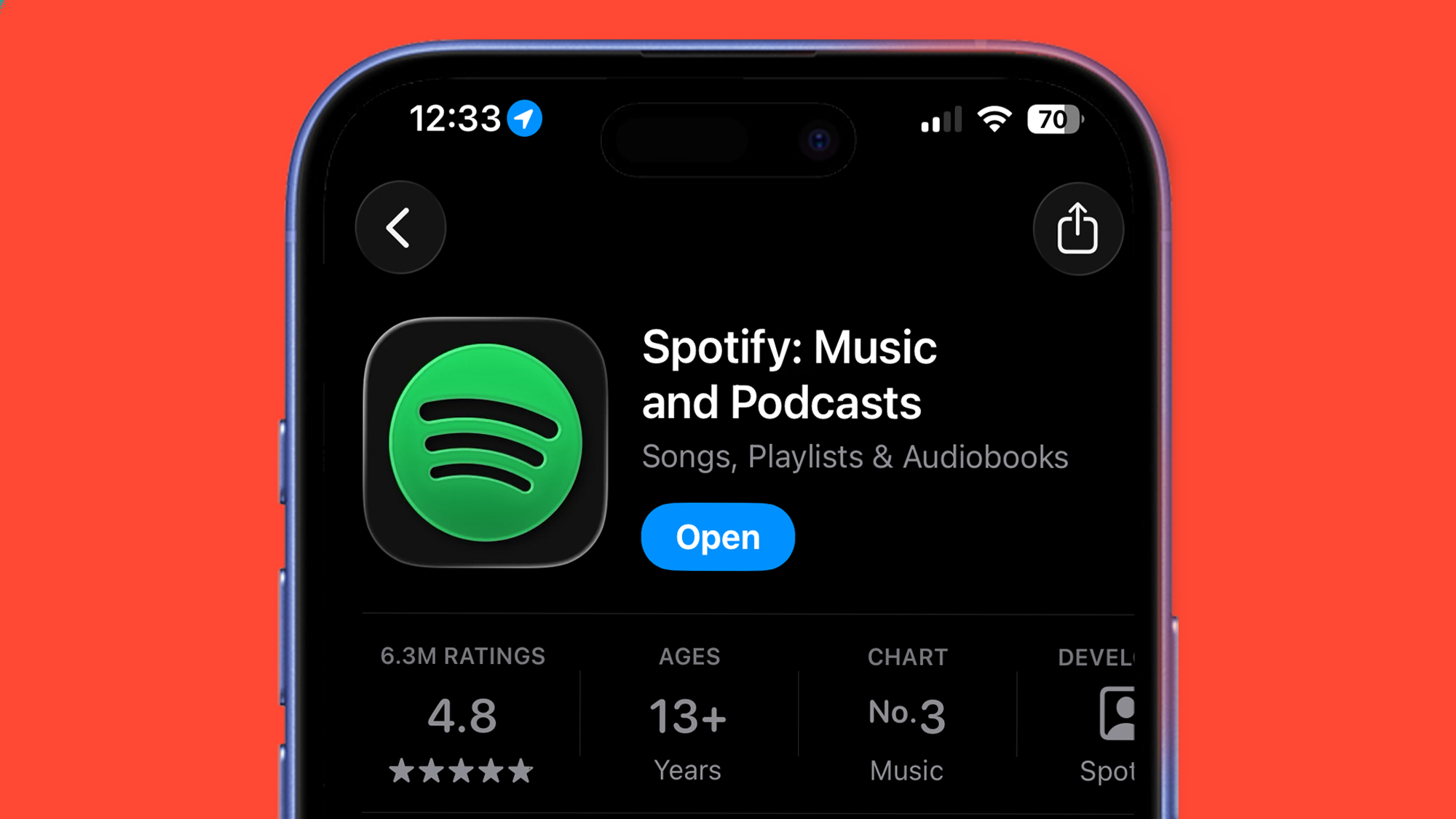
Fix 1: Update the Spotify App
On iPhone, you need to be on version 9.1.0 of the Spotify app to be able to see your Wrapped 2025 roundup. The best first step is to check that you’re definitely running the latest version of the Spotify app. Go to the Spotify app in the App Store (on iOS) or Play Store (on Android) and check to make sure there isn’t an app update waiting for you. On iOS you need to be running app version 9.1.0, while on Android it’s version 9.1.0.1147.
Fix 2: Head to the Mobile Site
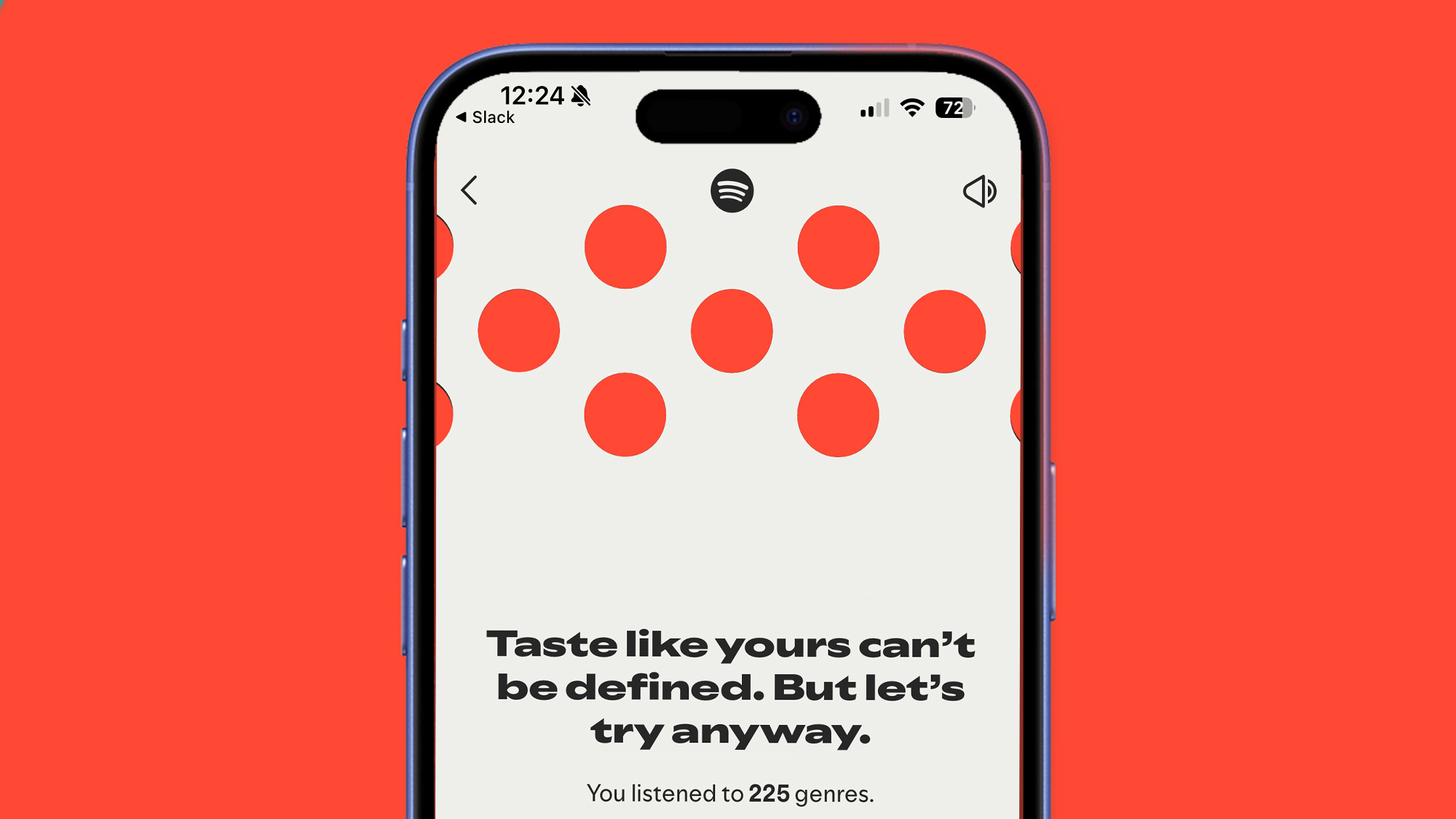 If Spotify Wrapped 2025 isn’t appearing as a banner or tile in the Home tab of the app, there are another couple of ways you can find it. One is simply by heading to the Spotify Web Player in your mobile browser in iOS or Android, and logging into your account. We’ve had experience of Wrapped 2025 not being available within the app, but playing for us on the mobile site.
Fix 3: Take the Manual Route
 If none of the above steps have worked, and Spotify Wrapped isn’t appearing as a banner or tile in the app, you can also try using Spotify’s search bar. In the app’s search bar, try typing ‘spotify:datastories:wrapped’ or ‘2025 Wrapped’, then hitting ‘search’. For us, typing in the former took us straight to our Wrapped roundup, but the latter may also produce a result that you can tap to take you through your slideshow.
How Long Will Spotify Wrapped 2025 Be Available?
Spotify Wrapped typically has a limited viewing window, after which it turns into a simple playlist of your favorite songs of the year. In previous years, Wrapped has been available to view until mid-January, after which it simply redirects you to a playlist of songs. It isn’t yet clear if this will be the same for Wrapped 2025, but it gives us a rough idea of the window. The AI podcast feature is expected to be available for a much shorter amount of time. For more information and troubleshooting tips, check out the full article Here
Image Credit: www.techradar.com